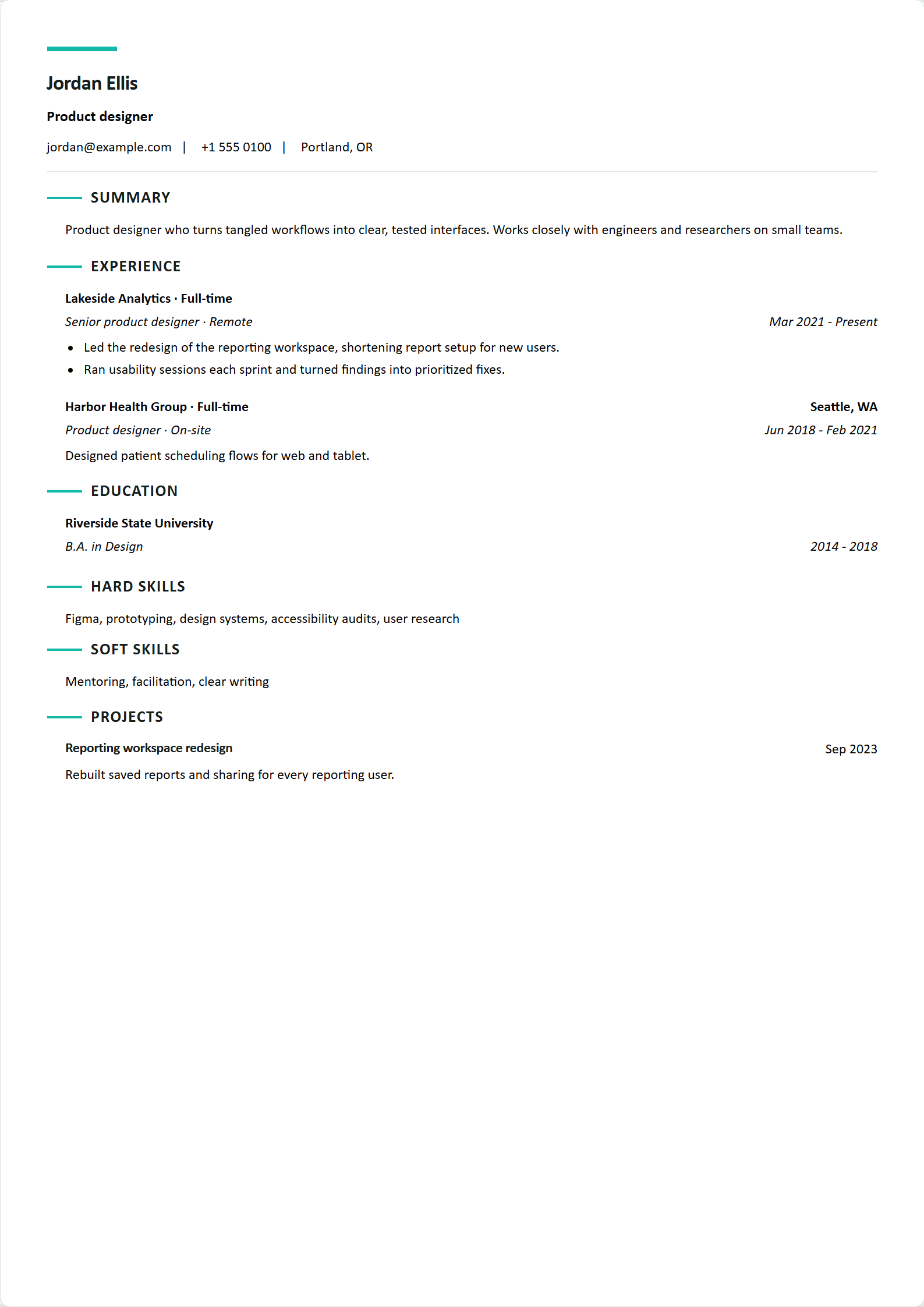
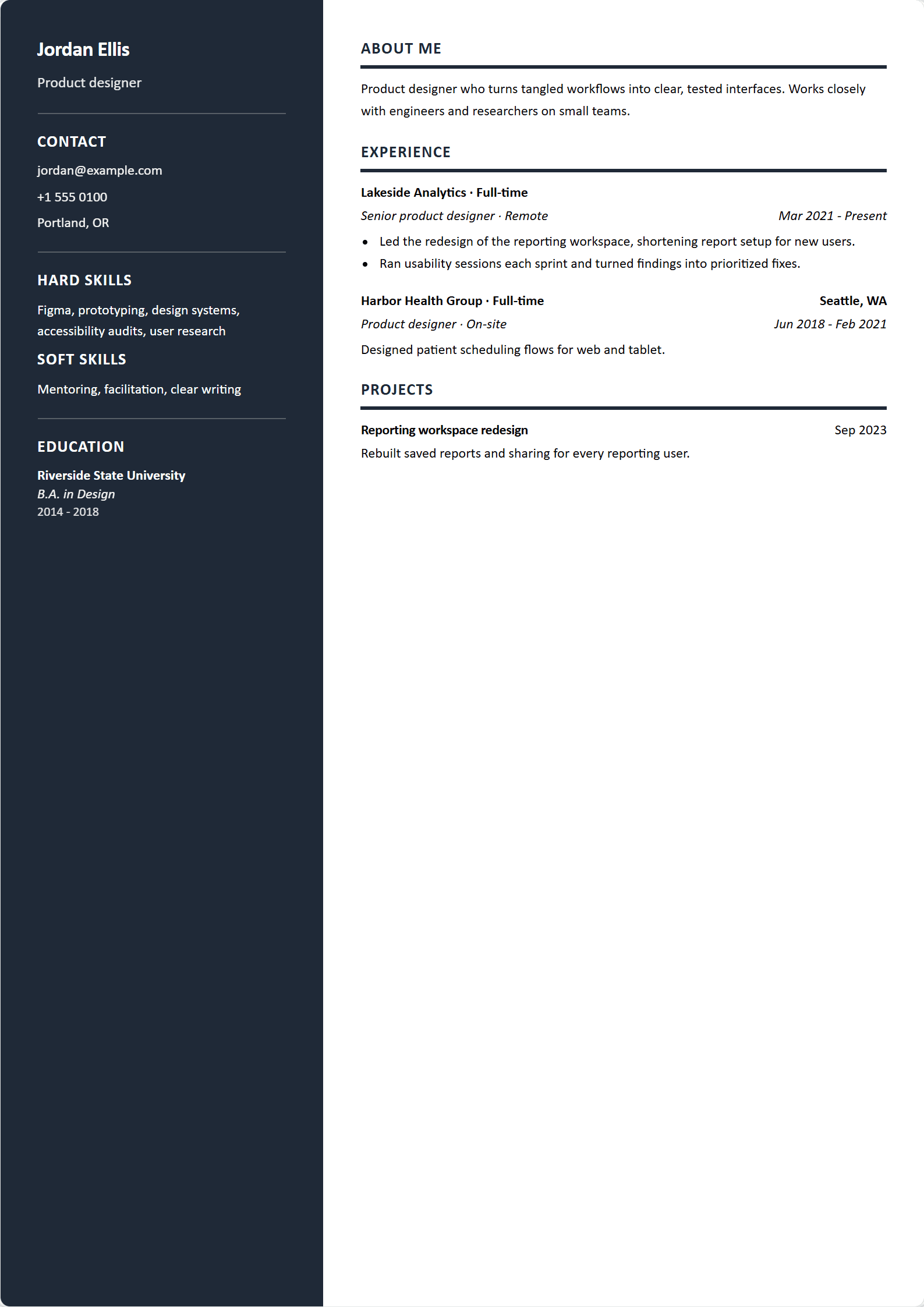
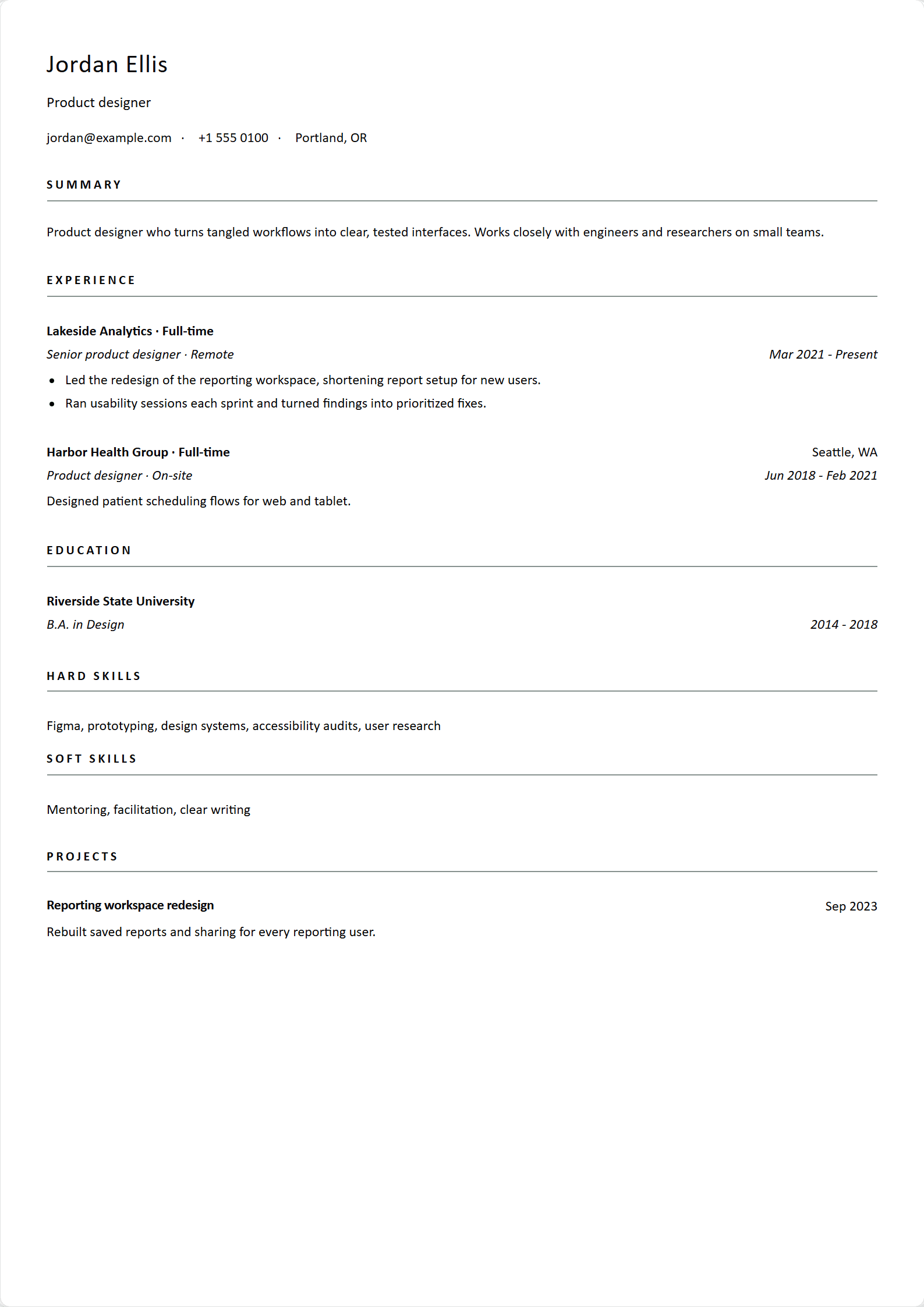
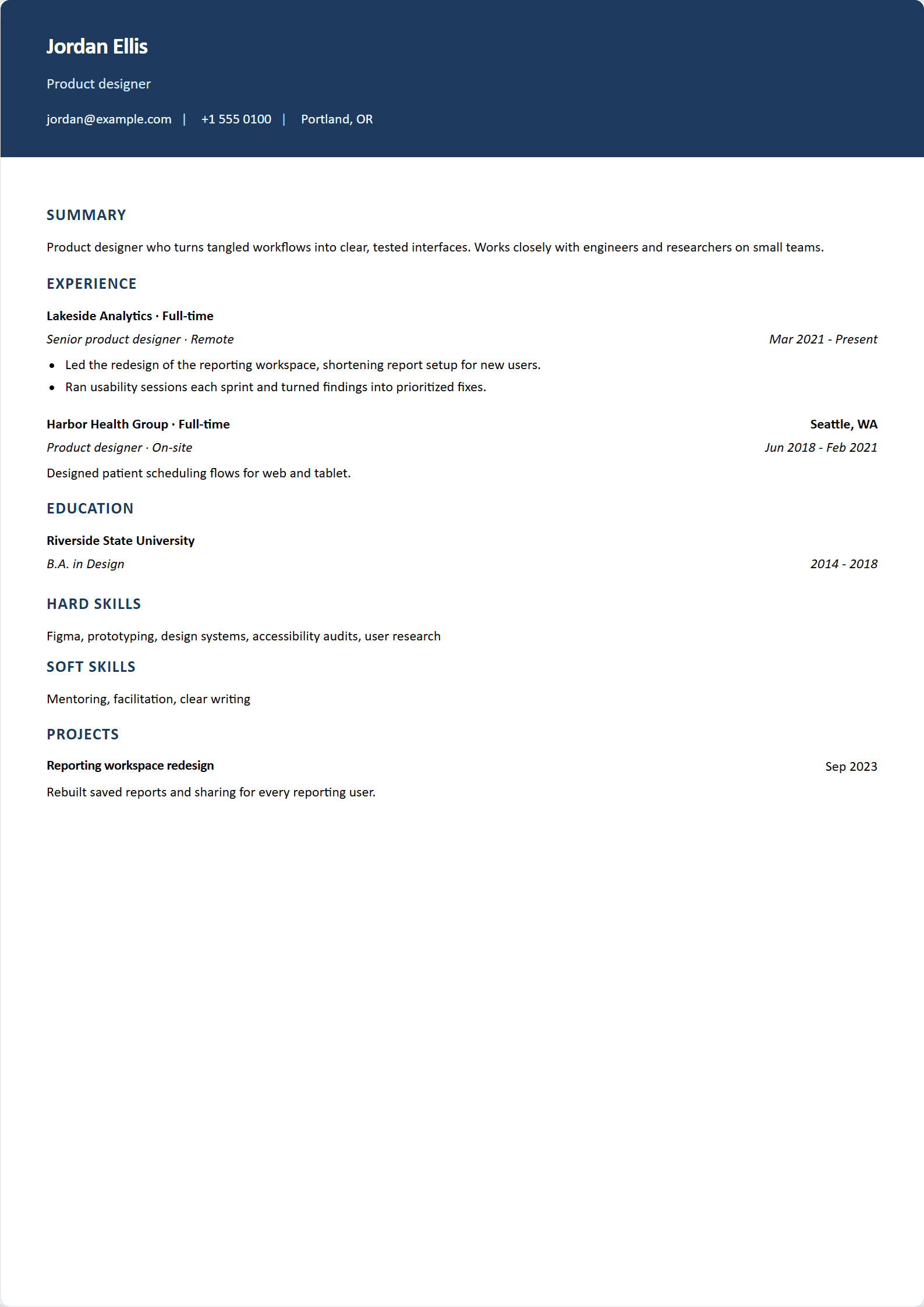
Build a clean, professional resume in minutes
Fill in your details, choose one of six templates, and download a PDF. The preview updates as you type. The app is free.
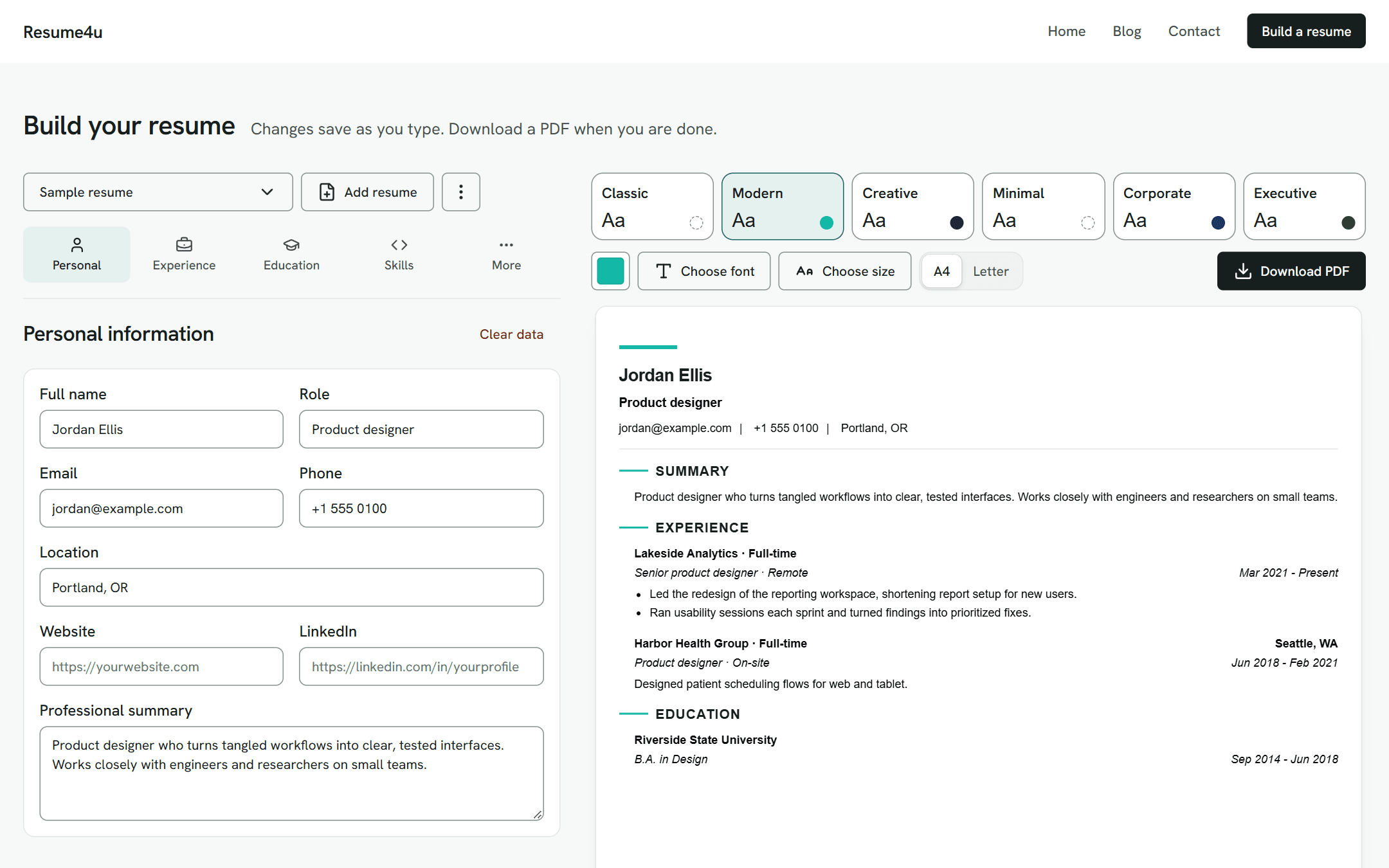
Fill in your details, choose one of six templates, and download a PDF. The preview updates as you type. The app is free.
1
Work through the form one section at a time: contact details, experience, education and skills, then projects, certificates or custom sections.
2
Pick one of six layouts and one of five fonts: Times New Roman, Arial, Calibri, Verdana or Georgia. Modern, Creative, Corporate and Executive also take an accent color.
3
Get an A4 or Letter PDF. Links stay clickable, and longer resumes continue onto more pages.
Each one opens the builder with that template already selected. You can use any of the five fonts with any template.
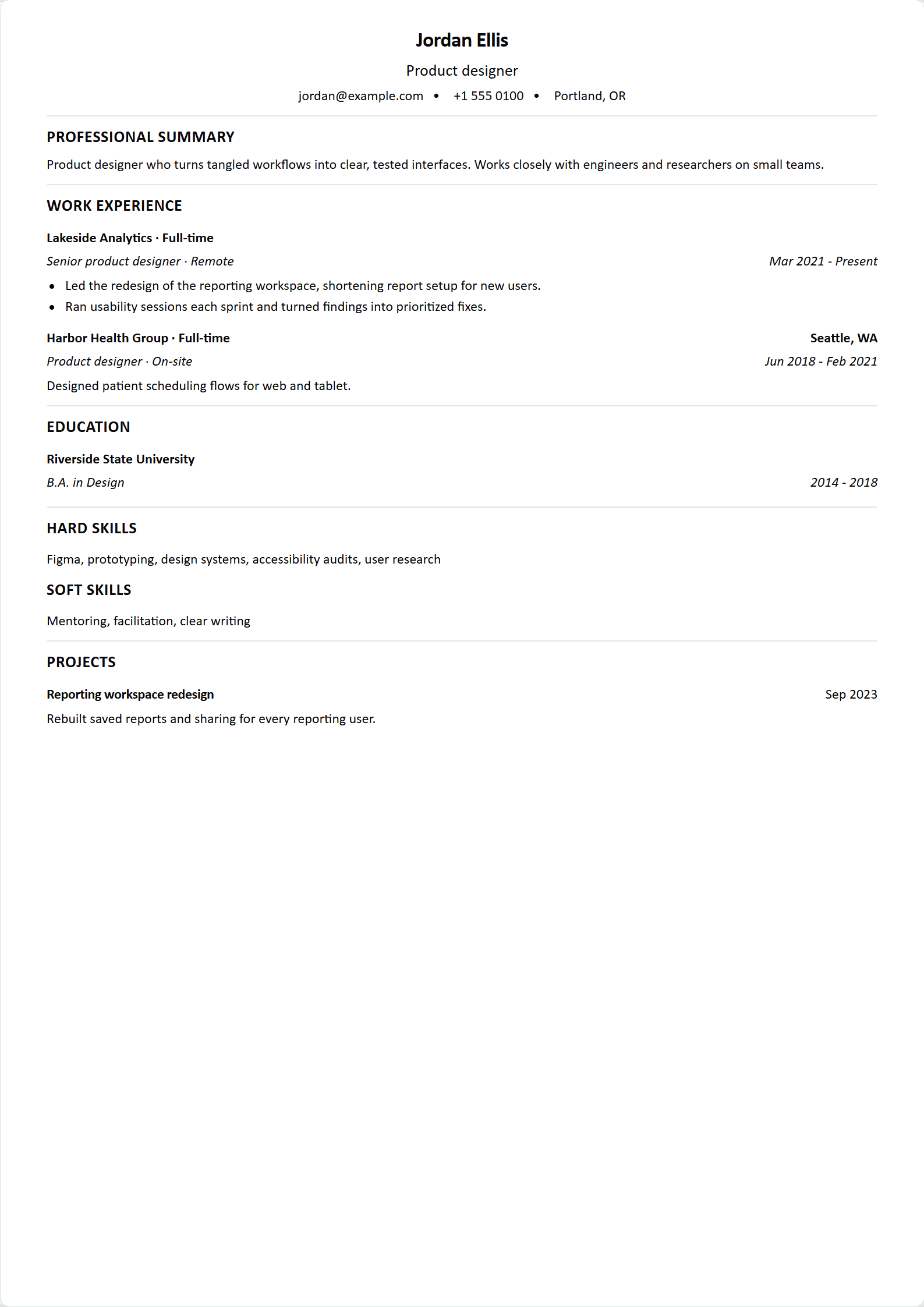
Single column, a centered header and ruled sections. No accent color.
Use ClassicJordan Ellis
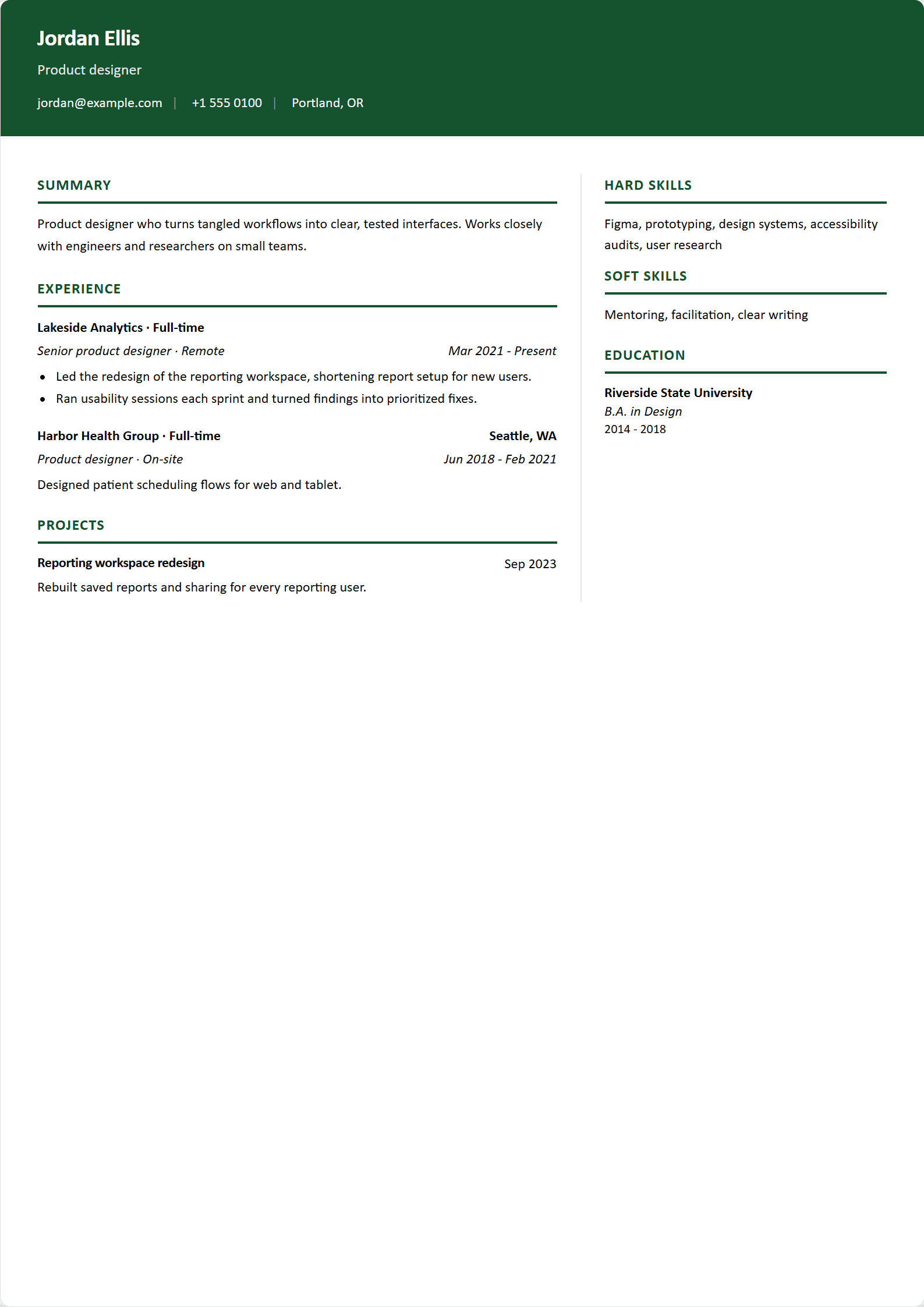
Sample sheet. Your name, font and accent color change here.
The preview uses the template you chose and updates with each edit. On wide screens it sits beside the form.
Make a separate resume for each role, rename it, and switch between them from the bar above the form. Each one keeps its own content, template, font and accent color.
Save one to your library, then add it to any resume. Each added copy is independent, so editing one does not change the others.
Choose Times New Roman, Arial, Calibri, Verdana or Georgia. Modern, Creative, Corporate and Executive also take an accent color: set it with the color picker or a hex code, and reset it to the template's default. Each template remembers its own color.
Move entries up or down within a section, collapse the ones you are not editing, and clear a section to start it again.
Dates are entered by month, with a year-only option for education and experience. Descriptions support bold, italic, bulleted and numbered lists, and links.
Your website, LinkedIn, project and certificate links, and any links you add to a description, are clickable in the PDF.
Full name, role, email, phone, location, website, LinkedIn and a professional summary.
Job title, company, location, dates and a description. Add an employment type and a work arrangement, and mark a current job to show Present as its end date.
Institution, degree, location, dates, GWA, and achievements and activities.
Group skills as hard skills, soft skills or under a heading of your own, such as languages or tools.
Name, date, link and description. Save a project to your library to reuse it in other resumes.
Name, issuing organization, date, link and description. Save a certificate to your library to reuse it in other resumes.
Add a section with any title, such as volunteering or publications. Each entry can have a subheading, location, date and content.
Resumes and your library are saved in this browser and are not stored on the server. Your account holds only your name and email address, plus a password if you set one. Resumes do not sync between devices.
Saved data is removed 30 days after your last change. Download a PDF to keep a copy.
Downloading a PDF sends the resume you are working on to our server. The server builds the file in memory and does not keep a copy.
There is no export or import of saved data.
Yes. There is no paywall and no watermark.
Yes, to build a resume and download a PDF. The app is free. Your resumes are saved in the browser you use, so they are not available on other devices.
For 30 days after your last change. After that the saved resumes and library are removed from the browser.
No. The templates have no photo field.
A4 or US Letter. Choose one in the builder, next to the font and size menus.
Articles on resume writing, career development, interviews and the job search.